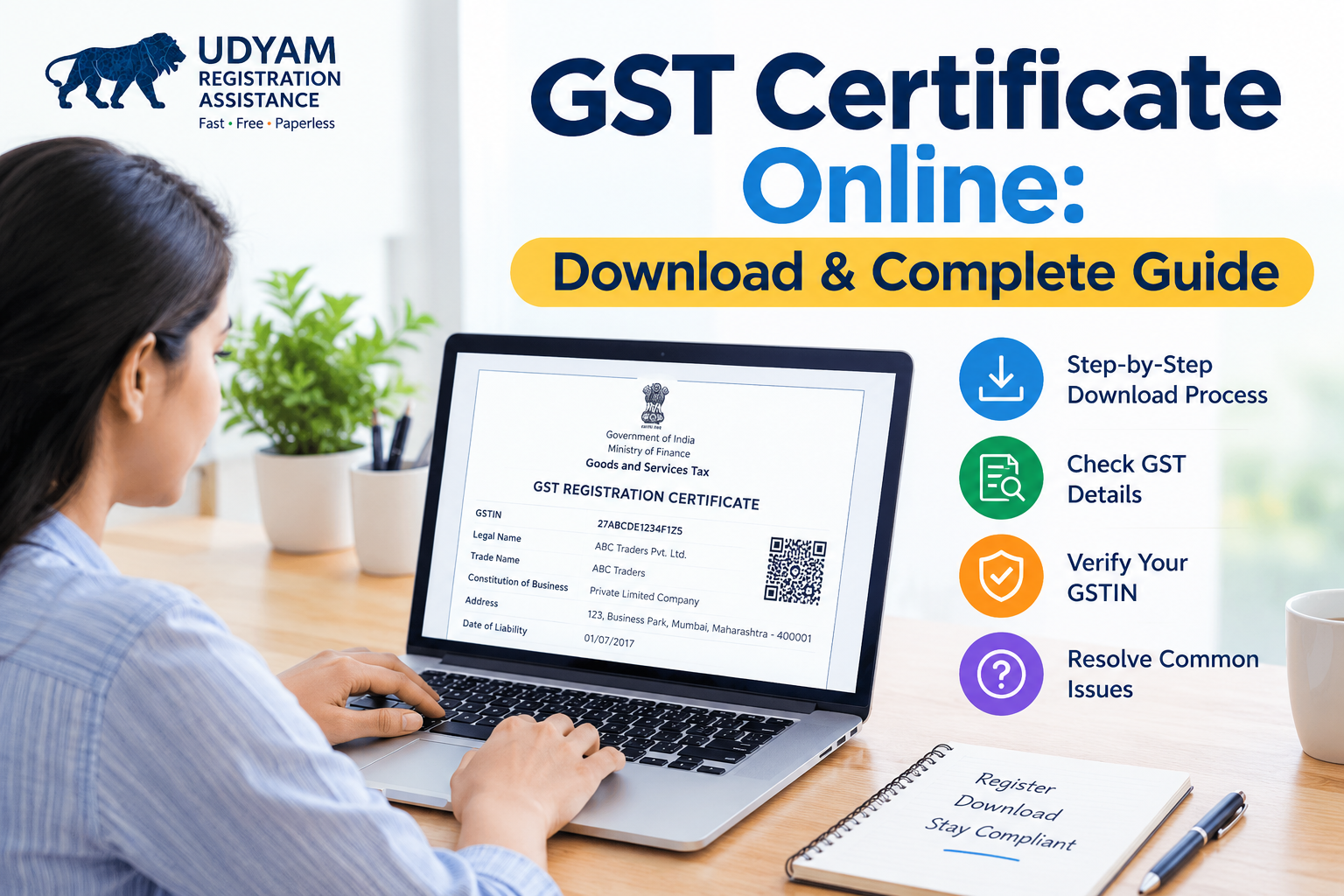
GST Certificate Online | Download and Complete Guide
A GST certificate is an important document for businesses registered under India's Goods and Services Tax (GST) system. It serves as proof of GST registration and contains essential details such as the business name, GST Identification Number (GSTIN), business address, and registration date.
Whether you are starting a new business, managing an existing enterprise, or maintaining tax records, understanding how to obtain and use your GST certificate can help you manage compliance more effectively.
In this guide, you will learn what a GST registration certificate is, who needs it, how to download a GST certificate online, and what to do if you face common problems.
What Is a GST Certificate?
A GST certificate is an official document issued by the GST authorities after a business successfully completes its GST registration. It confirms that the taxpayer is registered under the GST system.
The certificate is generally issued electronically and can be accessed through the official GST portal.
Businesses may need this document for maintaining tax records, providing registration details to customers, completing certain business formalities, and demonstrating their GST registration status.
What Details Are Mentioned on a GST Registration Certificate?
A GST registration certificate contains important information about the registered taxpayer and business.
Common details include:
- Legal name of the business: The name registered with the tax authorities.
- Trade name: The business or commercial name, where applicable.
- GSTIN: The unique 15-character Goods and Services Tax Identification Number.
- Constitution of business: The business structure, such as a proprietorship, partnership, or company.
- Principal place of business: The registered main business address.
- Additional places of business: Other declared business locations, where applicable.
- Date of liability: The applicable date from which GST liability begins, where relevant.
- Period of validity: The validity details, where applicable to the type of registration.
Always check the details carefully after downloading the certificate. Incorrect information may create difficulties during invoicing, tax filing, or business verification.
Who Needs a GST Certificate?
A GST certificate is issued to taxpayers whose GST registration has been approved. Whether a business must register depends on the applicable GST rules, turnover limits, business activities, location, and other registration conditions.
Businesses that may require GST registration include:
- Businesses whose turnover exceeds the applicable registration threshold.
- Businesses covered by specific compulsory registration provisions.
- Certain suppliers involved in interstate transactions, depending on the applicable rules and exemptions.
- Eligible online sellers and other businesses operating through e-commerce platforms, subject to relevant provisions.
- Businesses that voluntarily choose GST registration when permitted.
Not every small business automatically needs GST registration. Requirements differ according to the nature of the business and applicable exemptions. Check the current rules or consult a qualified tax professional before applying.
How to Download a GST Certificate Online
Registered taxpayers can download their certificate through the official GST portal without relying on third-party websites.
Follow these steps to obtain your GST certificate online.
Step 1: Visit the Official GST Portal
Open the official website Make sure you are using the genuine government portal before entering your login credentials.
Step 2: Log In to Your Account
Click the Login option and enter your username, password, and the requested verification details.
If you have forgotten your login information, use the portal's available account recovery options.
Step 3: Open the User Services Section
After logging in, navigate to Services → User Services → View/Download Certificates.
The available options may depend on your registration status and the services applicable to your account.
Step 4: Select the Certificate
Find the relevant registration certificate in the available list. Select the option to view or download it.
Step 5: Download and Save the PDF
Download the certificate and save the PDF in a secure folder on your computer or mobile device. You can also maintain a backup for accounting and compliance purposes.
Step 6: Verify the Information
Check the GSTIN, business name, address, and other registration details. If you identify an error, review the applicable amendment process on the GST portal.
Important: The GST certificate is generally available electronically. Avoid paying an unofficial website merely to download a certificate that is available through the government portal.
Is It Possible to Get a GST Certificate Online for Free?
Yes. If your GST registration has been approved, you can generally access and download the certificate from the official GST portal without paying a separate government fee for downloading it.
However, the registration application itself may involve professional fees if you hire a consultant or tax practitioner to assist with the process. Such service charges are different from government fees.
Always distinguish between official portal services and paid third-party assistance.
How to Check Your GST Registration Certificate Details
After downloading the document, verify that the information matches your business records.
Pay particular attention to:
- GSTIN accuracy.
- Legal and trade names.
- Registered business address.
- Business constitution.
- Registration status.
- Certificate details and applicable dates.
You can also use the GST portal's taxpayer search facility to check publicly available registration details using a GSTIN or other supported search information.
If the details displayed online differ from your records, investigate the discrepancy before issuing invoices or submitting business documents.
What Should You Do If Your GST Certificate Is Not Available?
Sometimes, taxpayers cannot find their certificate after logging in. This may happen for several reasons.
1. Registration Is Still Pending
If your application has not been approved, the registration certificate may not yet be available. Check the application status using the relevant reference number or portal facility.
2. Incorrect Login Credentials
Ensure that you are accessing the correct GST account. If necessary, use the official password recovery facility.
3. The Certificate Option Is Missing
Check the User Services section again and confirm that you are signed in to the correct account. If the issue continues, consult the GST portal's help resources.
4. Registration Has Been Amended
If you have updated your business details, check whether an updated certificate is available after the amendment has been processed.
5. Technical Issues
Try again later if the portal is temporarily unavailable. Keep your login information private and avoid sharing passwords or OTPs with unknown individuals.
What Is the Difference Between GST Registration and a GST Certificate?
GST registration is the process through which a taxpayer registers under the GST system. A GST certificate is the document issued after the registration is approved.
The registration process involves submitting the required information and documents, completing verification, and responding to any queries from the authorities when necessary.
The certificate provides evidence of the approved registration and includes the taxpayer's relevant registration information.
Therefore, submitting an application does not mean that a GST certificate has already been issued. You should confirm approval before treating the certificate as proof of completed registration.
Why Is a GST Certificate Important for Businesses?
A GST certificate can be useful for several business and compliance purposes.
Proof of Registration
It provides documentary evidence that the business has been registered under GST.
Business Documentation
Customers, vendors, banks, or other organizations may request GST registration details as part of their procedures.
Tax Compliance
Registered businesses can use the certificate to maintain accurate tax records and verify their registration information.
Invoice Preparation
The GSTIN and registered business details help businesses prepare invoices containing the required information.
Record Management
Keeping a copy of the certificate makes it easier to retrieve registration information when required for accounting, audits, or administrative work.
Remember that holding a GST certificate does not automatically mean that a business has fulfilled every GST obligation. Applicable return filing, payment, invoicing, and record-keeping requirements must still be followed.
How to Keep Your GST Certificate Safe
Once you have downloaded your certificate, follow these practical record-management tips:
- Save a digital copy in a secure business folder.
- Maintain a backup in a protected storage location.
- Keep the latest certificate after any approved changes.
- Restrict access to sensitive business account information.
- Verify registration details periodically.
- Provide the certificate only to legitimate recipients who require it.
Organized documentation can help reduce administrative delays and make routine business compliance easier.
Conclusion
A GST certificate is an essential document for businesses registered under India's GST system. It confirms registration and provides key information about the taxpayer and business.
Obtaining a GST certificate online is straightforward for registered taxpayers. Visit the official GST portal, log in, open the View/Download Certificates section, and save the relevant document.
Keep your certificate updated, verify its details, and maintain secure copies for future use. Most importantly, remember that downloading the certificate is only one part of managing GST compliance. Businesses should also follow the tax rules and filing requirements applicable to their activities.
Frequently Asked Questions
1. What is a GST certificate?
A GST certificate is an official electronic document confirming that a taxpayer has been registered under India's Goods and Services Tax system.
2. How can I download my GST registration certificate?
Log in to the official GST portal and navigate to Services → User Services → View/Download Certificates.
3. Can I download a GST certificate online for free?
Yes. Approved taxpayers can generally download their certificate from the official GST portal without a separate fee for downloading it.
4. Can I download my GST certificate without logging in?
The downloadable registration certificate is generally accessed through the taxpayer's authenticated GST account. Public taxpayer-search services may show registration details but do not necessarily provide the downloadable certificate.
5. What is the GSTIN mentioned on the certificate?
GSTIN is a unique 15-character identification number assigned to a registered taxpayer under GST.
6. What should I do if my GST certificate has incorrect details?
Check the applicable amendment process on the official GST portal and submit the necessary correction request with supporting information, where required.
7. Is a GST certificate proof that my returns are filed?
No. It confirms registration, not that all returns have been filed or all tax liabilities have been paid.
8. Can a small business apply for GST registration?
A small business may need to register depending on its turnover, activities, location, and applicable GST provisions. Some businesses may qualify for exemptions.
9. Is the GST certificate available in PDF format?
Yes. The certificate is generally available electronically as a downloadable PDF through the official GST portal.
10. Where can I verify GST registration details?
Use the taxpayer search facility on the official GST portal to check the publicly available registration information associated with a GSTIN.
- How to register on GeM portal
- GeM पोर्टल हेल्पलाइन नंबर 2026| कस्टमर केयर, ईमेल | टेंडर सहायता
- GeM पोर्टल क्या है | रजिस्ट्रेशन प्रोसेस, फायदे | सरकारी ऑर्डर पाने का तरीका (2026)
- एमएसएमई पंजीकरण 2026 | प्रक्रिया, लाभ, दस्तावेज़ | Udyam Guide
- जेम लॉगिन: GeM Login और रजिस्ट्रेशन की पूरी जानकारी